
Mobility is Efficiency
Zeno Constructor Mobile gives project teams secure iOS access to the same project data, planning tools, communications, schedule updates, risk registers, job walks, scaffolds, and package details used inside the Zeno Constructor web platform.
Designed for project teams moving between the office and the field.
The iOS app is not a separate product silo. It is a mobile interface for the same Zeno Constructor project controls workflow your team manages on the website, with Android support planned next.
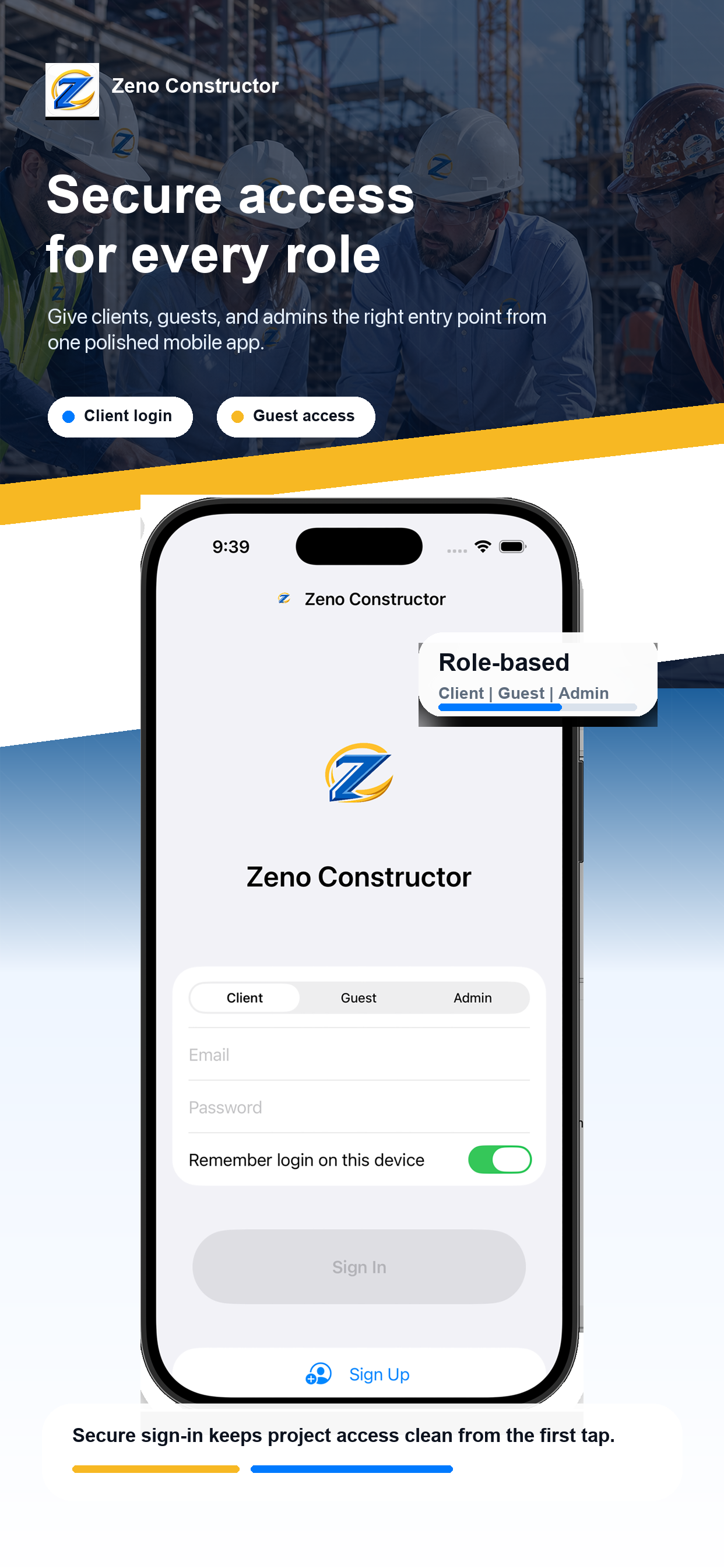
Role-based access
Client, guest, and admin sign-in flows connect users to the right projects and permissions using the website's existing account model.
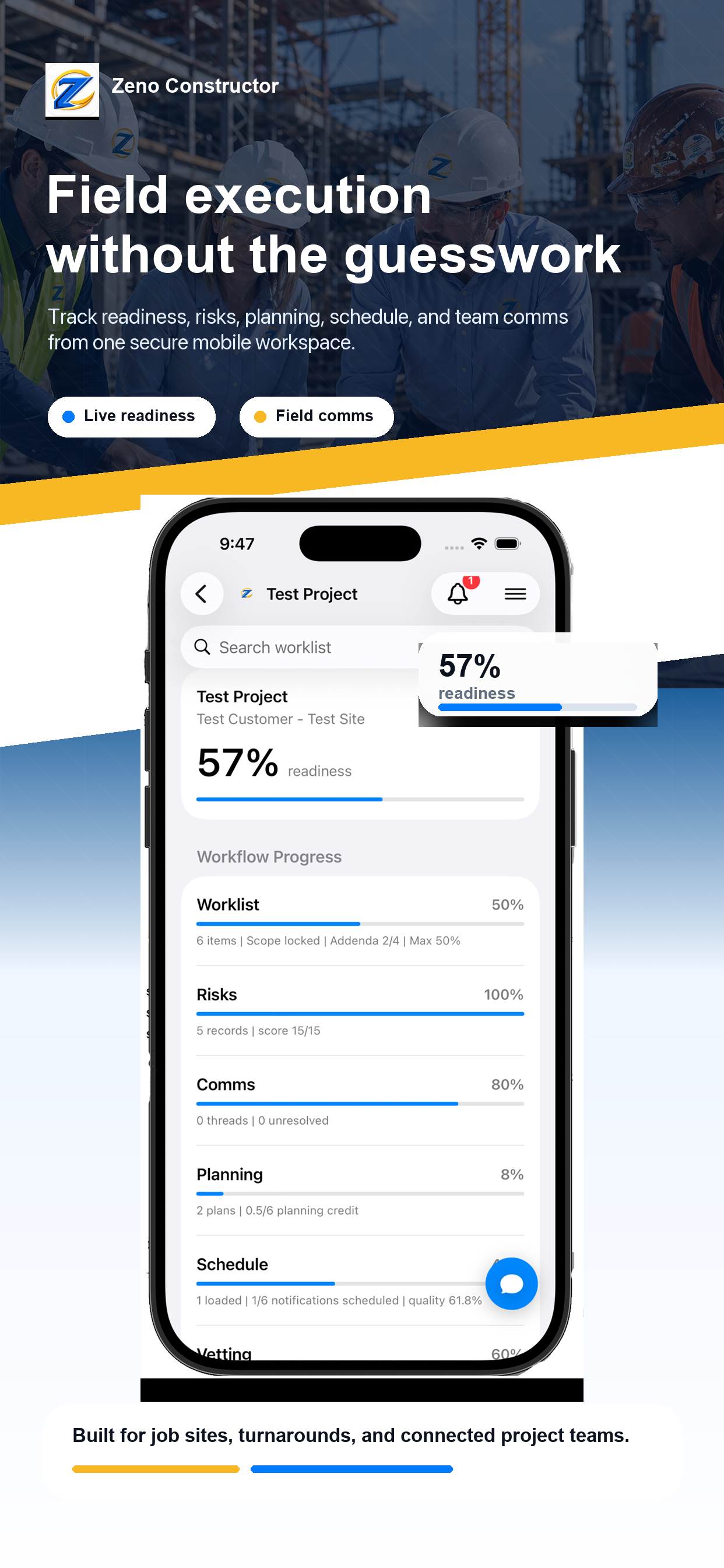
Readiness dashboard
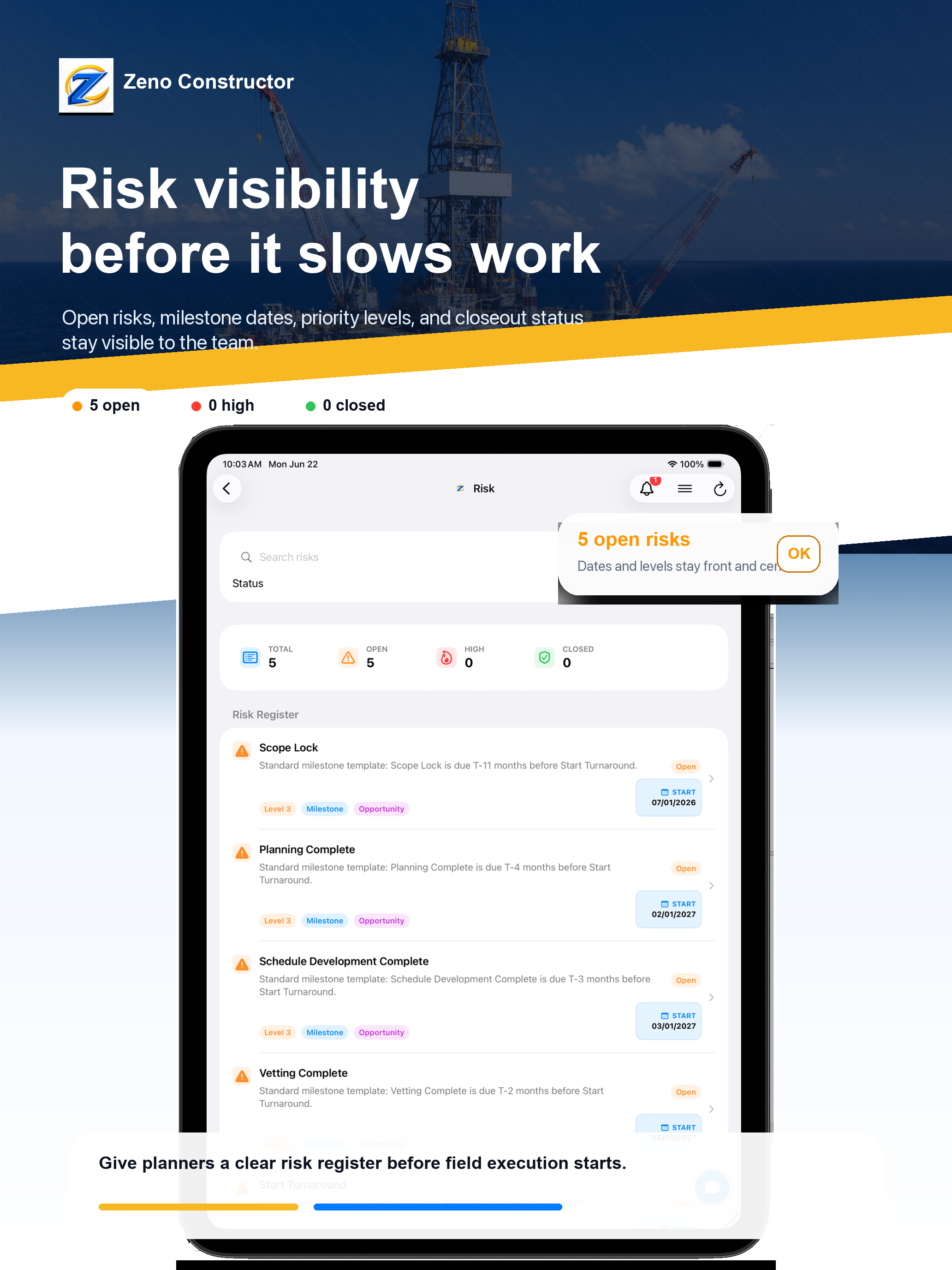
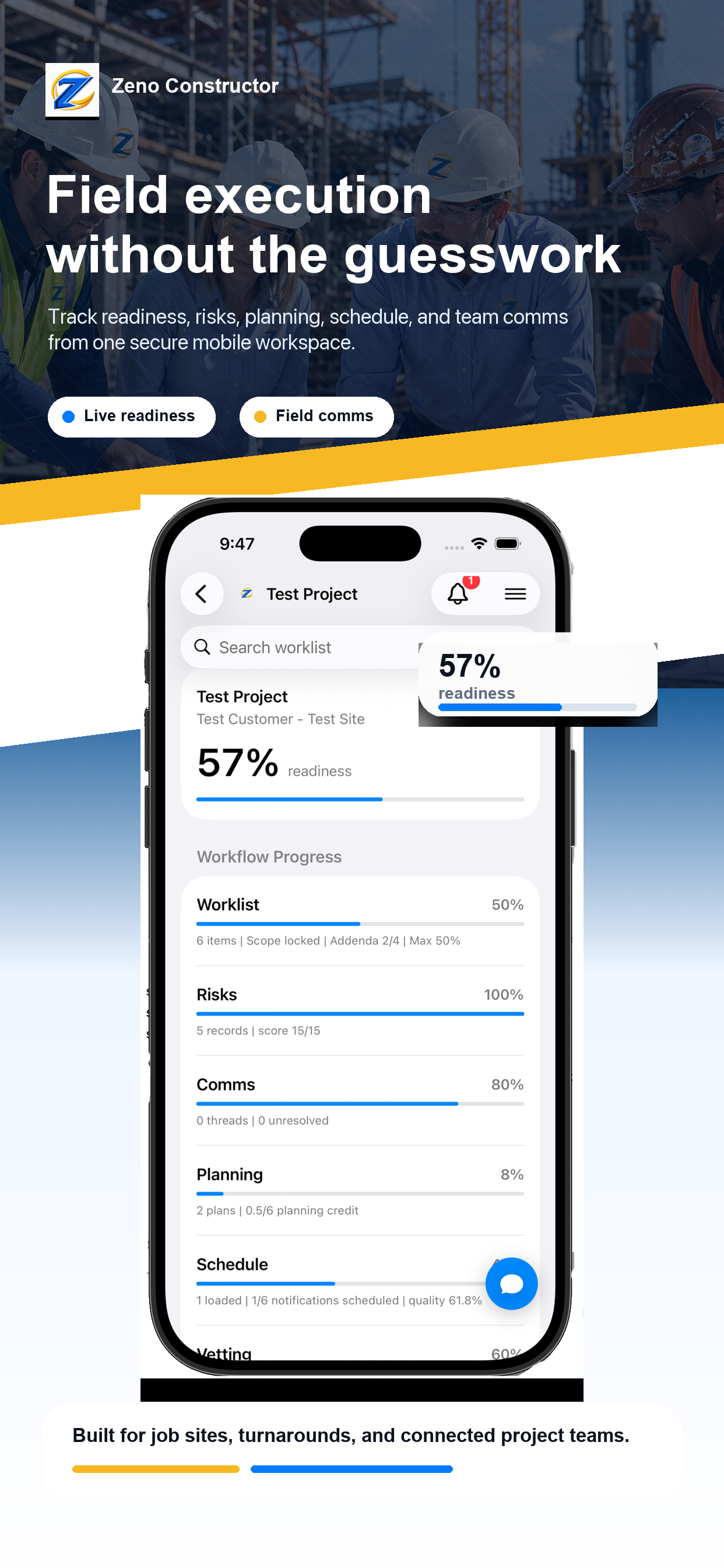
Teams can review project readiness, workflow progress, risks, planning, schedule, and communication status before execution pressure builds.
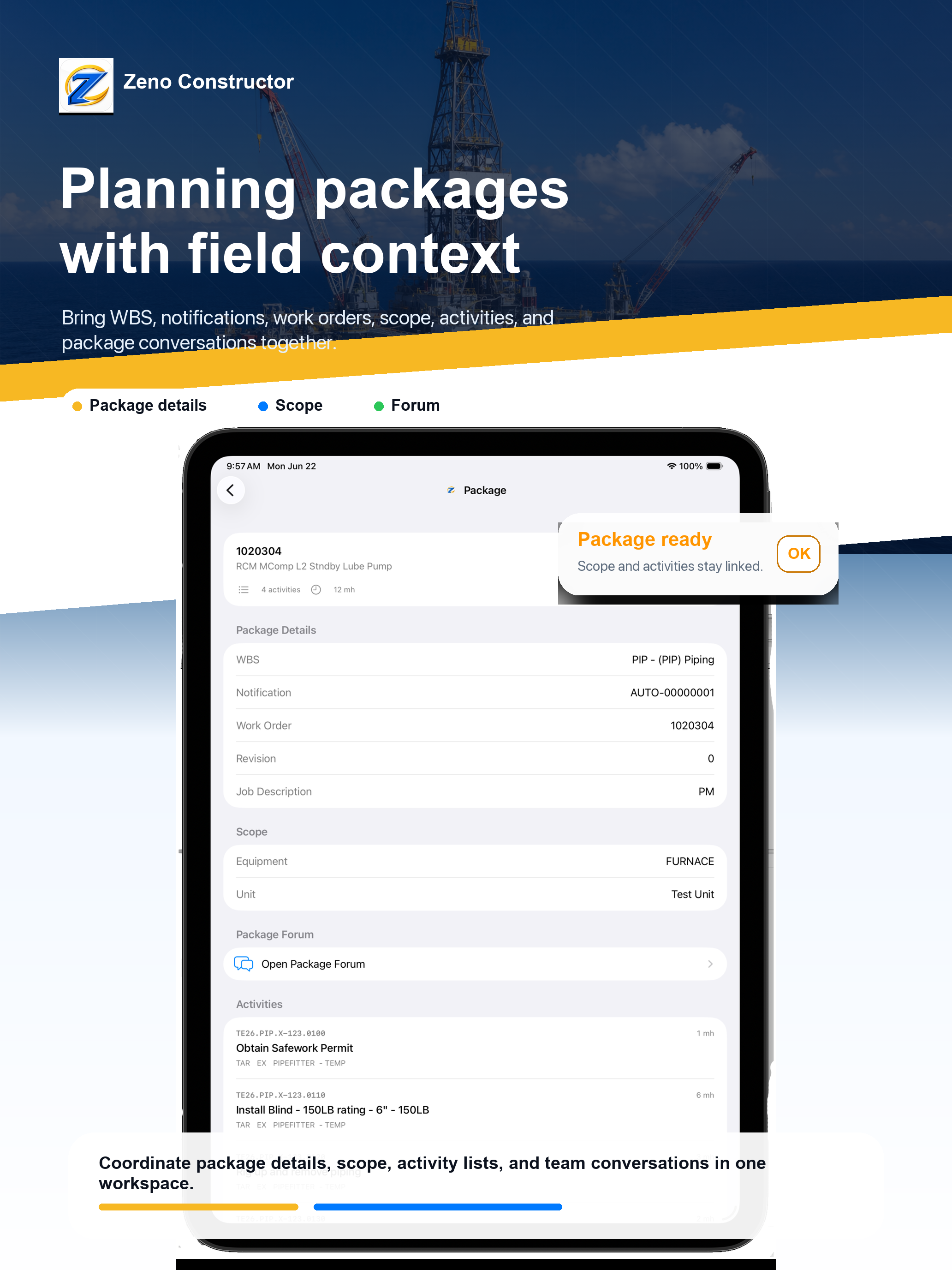
Planning packages
Package details, WBS, work orders, scope, activities, and package forum access stay available from the iPad experience.
Schedule updates
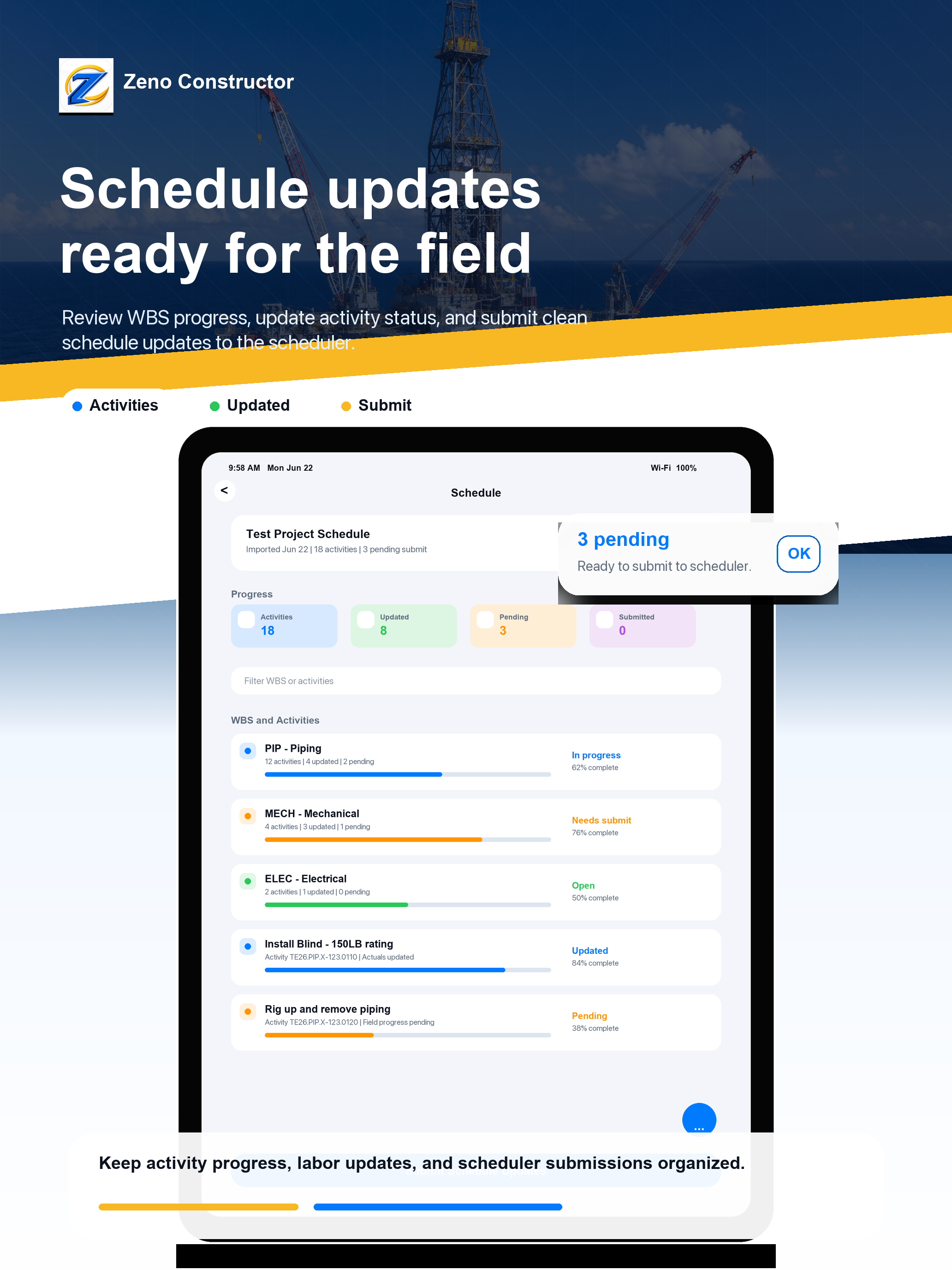
Field users can review WBS progress, update activities, and prepare clean schedule submissions for scheduler review.
Risks and job walks
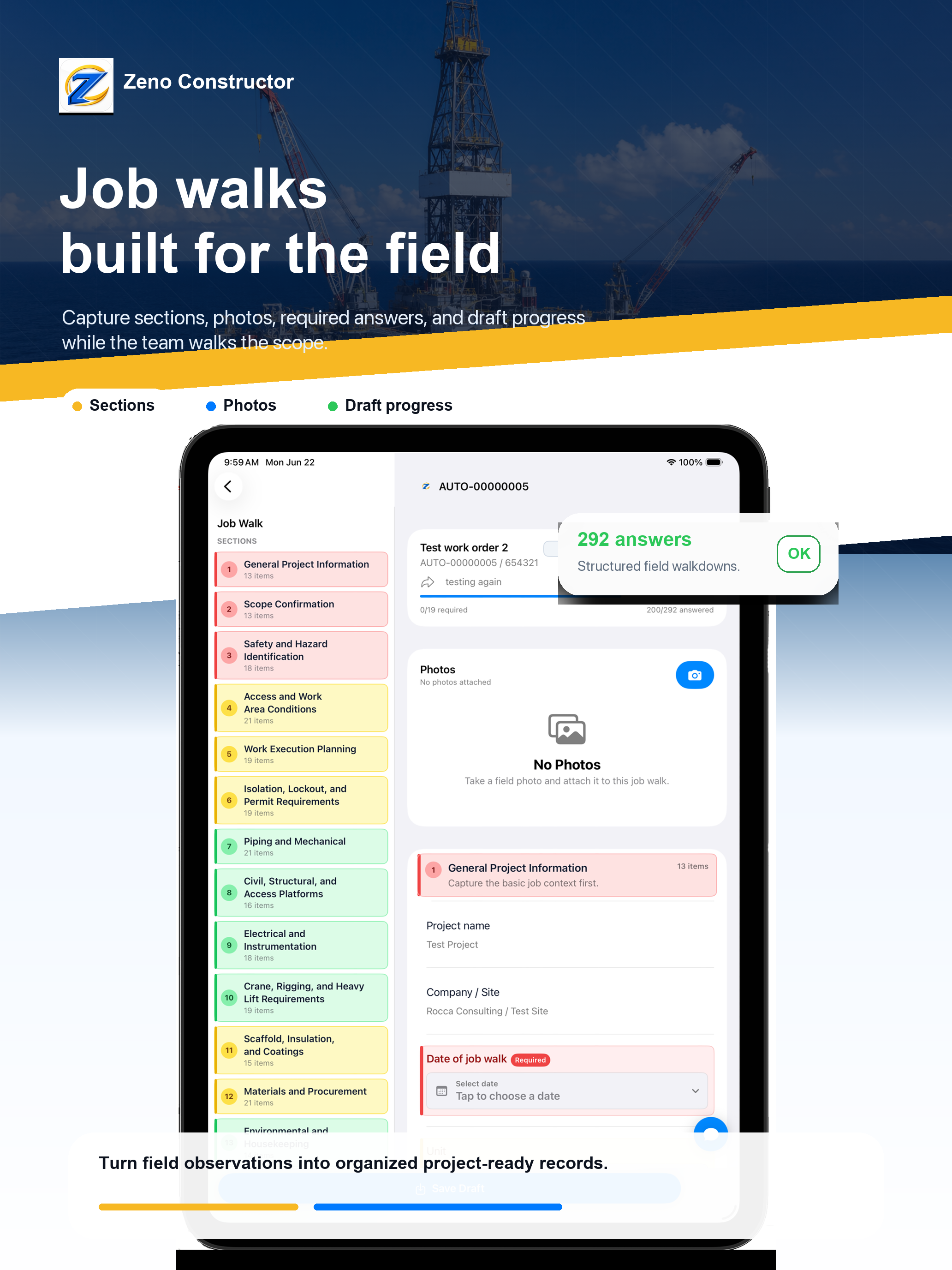
Risk registers, milestone timing, structured walkdown sections, required answers, and photo capture support field-ready documentation.
Comms and notifications
Project conversations, package forum access, notification indicators, and mobile push support help keep the right people informed.
A focused mobile view of the Zeno Constructor workflow.
The app is available for iPhone and iPad today. Android is coming soon, while iOS already supports fast field access, project status, planning, packages, schedules, scaffolds, risks, and job walk workflows.
How the iOS app connects to the web platform.
Zeno Constructor Mobile is backed by the same secure project records, user permissions, workflows, and notification system that power the website.
Authentication starts with existing accounts.
The app signs in client, guest, and admin users through the ZENO Mobile API, then maintains secure mobile sessions for authorized iOS users.
Projects are scoped by website permissions.
After login, the app loads authorized projects and guest project access from the same customer, contact, project, and permission data used by the web portals.
Mobile screens connect through the ZENO Mobile API.
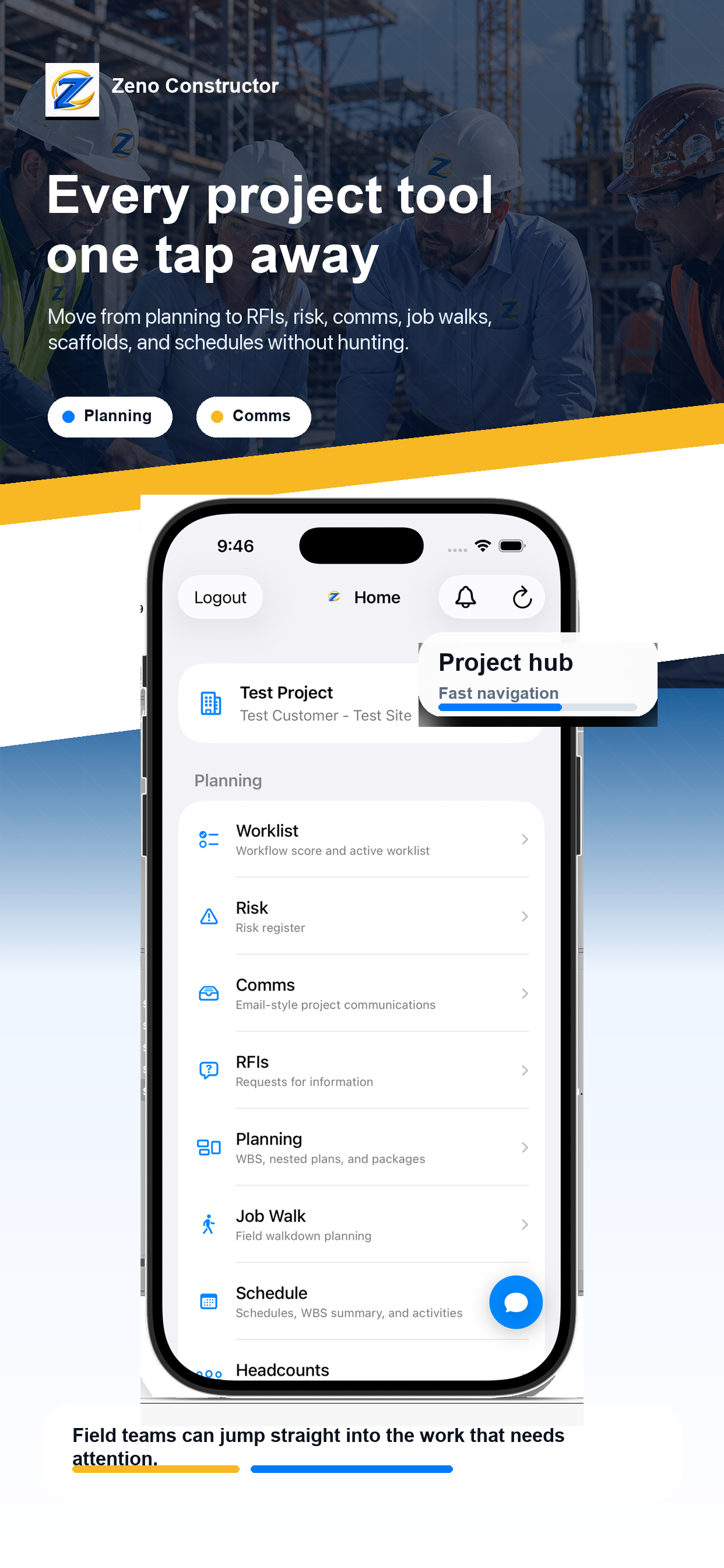
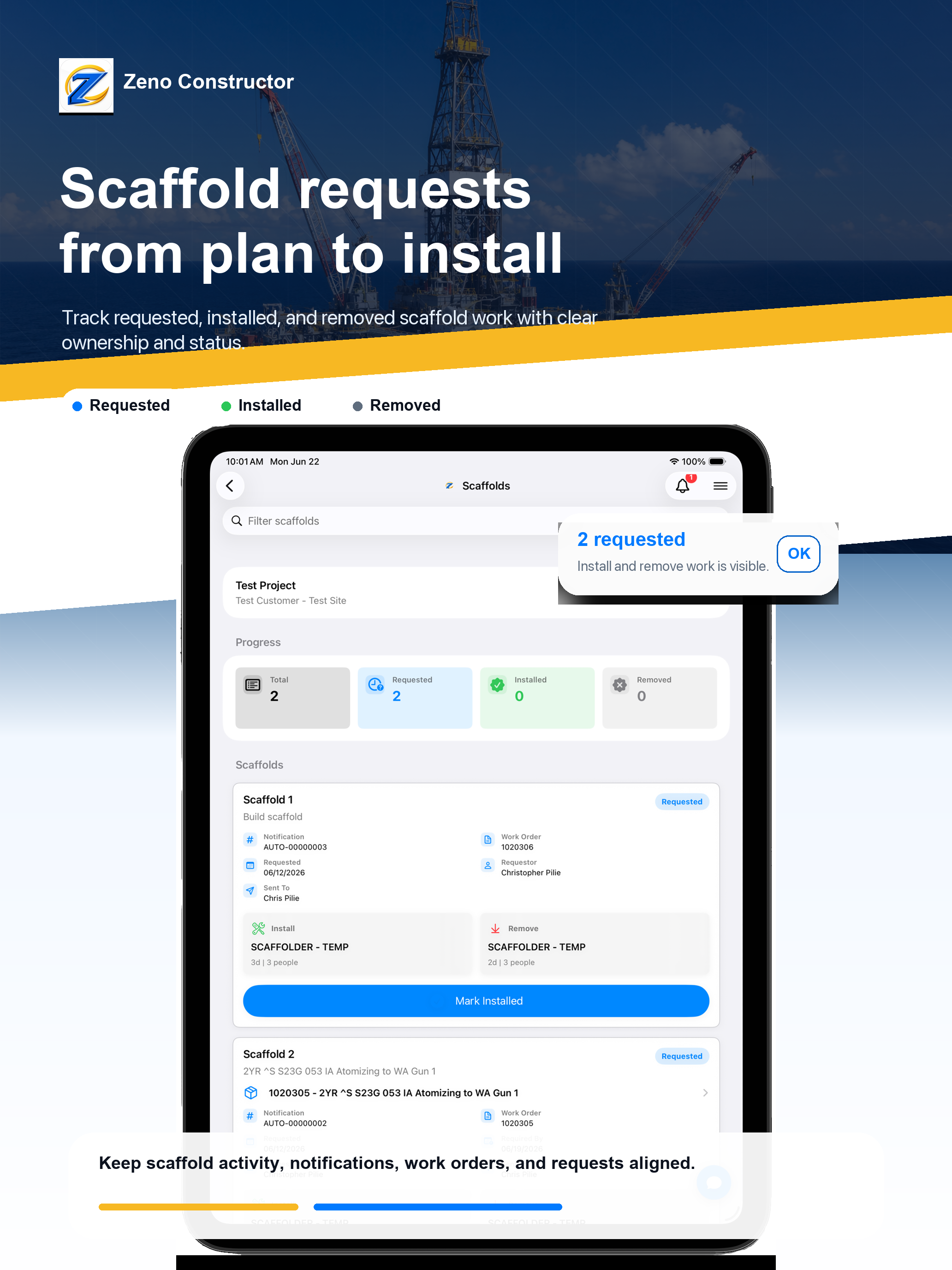
The iOS app uses the ZENO Mobile API for project dashboards, planning, schedules, risks, scaffolds, headcounts, RFIs, job walks, and notifications.
Updates write back to the same project workflows.
Schedule activity updates, scaffold requests, job walk saves, headcount entries, risk data, and planning package views stay connected to the website's project services.
Files, photos, and notifications stay connected.
Mobile upload and photo endpoints support field attachments, while the push notification service can deliver mobile notifications tied to the same project events users see on the website.
One mobile app, multiple website workflows.
Each mobile feature maps back to an existing project function in Zeno Constructor, so field input and office coordination stay on the same source of truth.
Bring Zeno Constructor project controls into the field.
Use the iOS app alongside the web platform to keep planning, schedule updates, risks, job walks, scaffolds, package details, and project communication connected. Android support is coming soon.